Bucita - Powerpoint Template
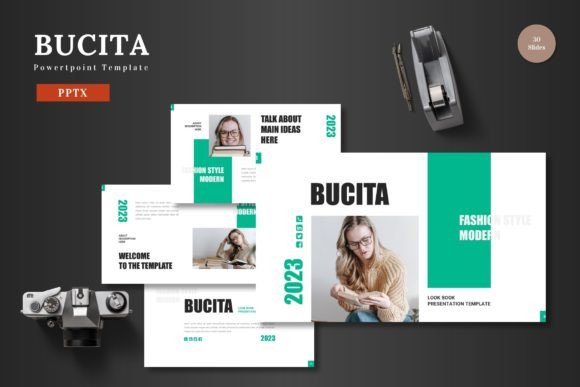
If you're looking for a professional, versatile, and easy-to-use presentation template, Bucita - Powerpoint Template is an excellent choice. Designed with both aesthetics and functionality in mind, this template offers a clean, scalable, and colorful design that can be adapted to a wide range of purposes. Whether you're creating a business pitch, e-commerce presentation, or product launch, Bucita provides the tools you need to make your ideas stand out.
What Makes Bucita - Powerpoint Template Stand Out?
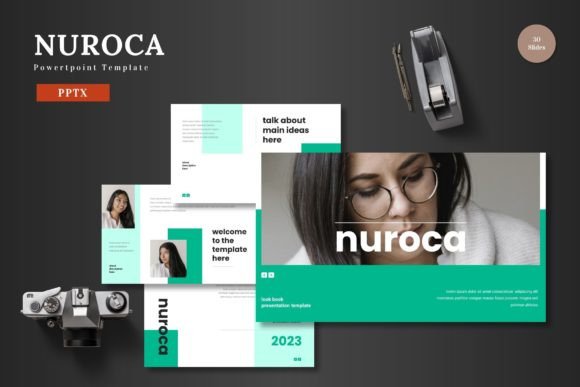
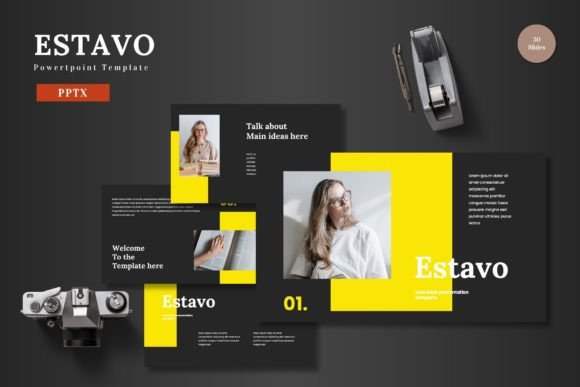
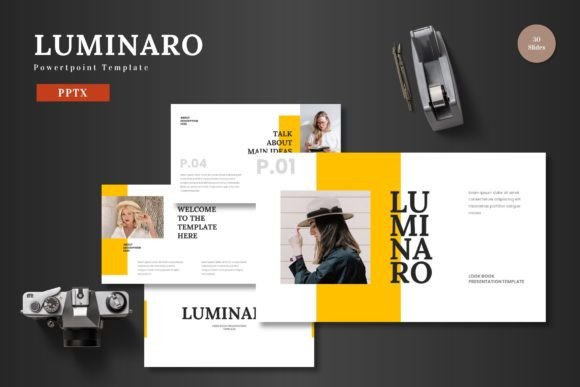
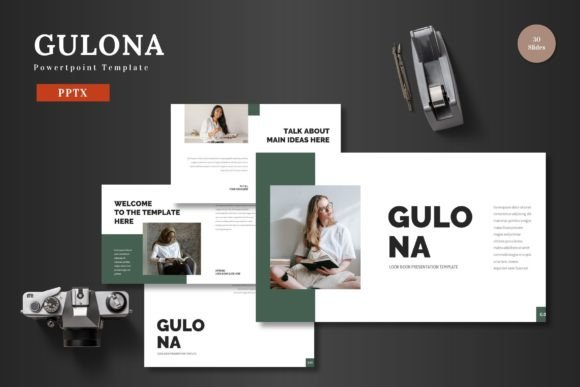
Bucita - Powerpoint Template is more than just a collection of slides. It's a fully editable, ready-to-use solution that empowers users to create visually appealing presentations without needing advanced design skills. The template includes 150 slides across five pre-made color schemes, making it easy to match your brand or personal style. Each section is clearly organized, with 30 slides dedicated to different sections, ensuring a logical flow for your content.
The template also features animated slides, which can help keep your audience engaged and add a dynamic element to your presentation. With handcrafted infographics, pixel-perfect illustrations, and resizable graphics, Bucita ensures that every detail looks polished and professional. All elements are editable directly within PowerPoint, so you don't need any additional software to customize your work.
Key Features of Bucita - Powerpoint Template
- 150 Total Slides: A comprehensive set of slides covering various presentation needs, from introduction to conclusion.
- 5 Pre-Made Color Schemes: Choose from a range of colors to match your branding or creative vision.
- 30 Slides per Section: Organized structure for clear and effective storytelling.
- Animated Slides: Add movement and energy to your presentations without extra effort.
- Editable Graphics and Icons: Customize visuals to fit your message and style.
- Picture Placeholders: Easily replace images with your own content using drag-and-drop functionality.
- Gallery and Portfolio Slides: Showcase your work or products in a professional manner.
- Readme File and Font Information: Clear instructions and details for easy setup and use.
Practical Applications of Bucita - Powerpoint Template
Bucita - Powerpoint Template is ideal for a variety of scenarios. For professionals, it’s perfect for business presentations, investor pitches, or client proposals. Its clean design ensures that your message is clear and your data is easy to digest. Entrepreneurs and marketers can use it to create compelling product launches or marketing campaigns that grab attention and drive engagement.
Educators and trainers can benefit from its structured layout and visual elements, making complex topics easier to explain. Bloggers, publishers, and content creators can use the template to present their work in a more engaging format. Freelancers and hobbyists will appreciate the flexibility and ease of use, allowing them to focus on their content rather than the design.
Why Choose Bucita - Powerpoint Template?
One of the biggest advantages of Bucita - Powerpoint Template is its user-friendly approach. You don’t need to be a designer to create a stunning presentation. Everything is editable within PowerPoint, so you can input your content, change colors, and replace images quickly. This makes it a great option for people who want to save time while maintaining a high-quality appearance.
Another key benefit is its versatility. Whether you’re presenting to a small team or a large audience, Bucita adapts to your needs. The multiple color schemes allow for personalization, while the well-organized structure ensures that your presentation flows smoothly. The inclusion of animated slides adds a modern touch that can help differentiate your work from others.
Real-World Use Cases
Imagine you're launching a new product. Using Bucita - Powerpoint Template, you can create a pitch deck that highlights your product’s features, benefits, and unique selling points. The gallery slide can showcase your product images, while the infographic can simplify complex data. With a few clicks, you can adjust the color scheme to match your brand, making your presentation feel cohesive and professional.
For educators, Bucita can be used to create interactive lessons or training modules. The slide breaks and visual elements help break down information into manageable parts, making it easier for students to follow along. The placeholder images and text boxes allow for customization, so each lesson can be tailored to specific learning goals.
Getting Started with Bucita - Powerpoint Template
Once you download Bucita - Powerpoint Template, you’ll find five PPTX files, each with a different color scheme. The readme file provides step-by-step instructions on how to use the template, including font recommendations and image placement tips. This makes it easy to get started, even if you’re not familiar with PowerPoint design.
Before using the template, consider your presentation goals. What message do you want to convey? Who is your audience? How will you structure your content? Answering these questions can help you make the most of Bucita’s features and ensure that your presentation is both effective and visually appealing.
Final Thoughts
Bucita - Powerpoint Template is a powerful tool for anyone looking to create high-quality presentations. Its combination of design, functionality, and ease of use makes it a valuable asset for professionals, educators, and creatives alike. Whether you're preparing for a business meeting, a classroom lecture, or a product launch, Bucita offers the flexibility and style you need to succeed.
With its wide range of applications and practical features, Bucita - Powerpoint Template is a smart investment for anyone who wants to communicate their ideas effectively. By choosing Bucita, you’re not just getting a template—you’re gaining a reliable and adaptable resource that can elevate your presentations and help you achieve your goals.